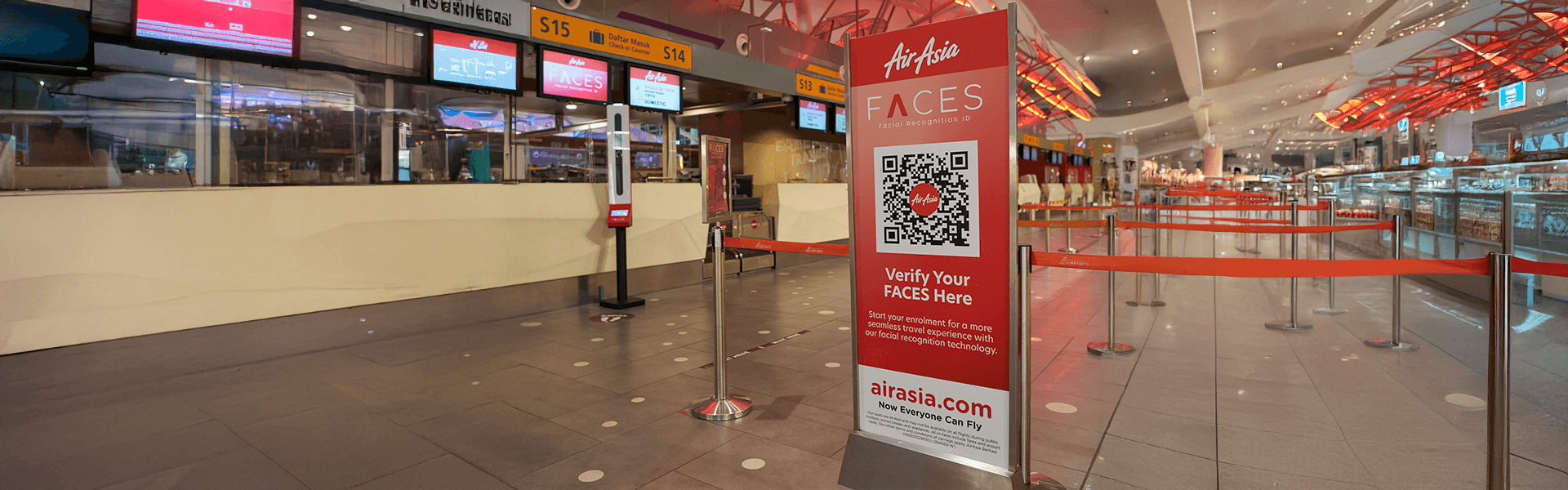

Large-format printing is a powerful tool for capturing attention and communicating messages effectively in commercial and event environments. However, designing for large-format print requires specific considerations to ensure a striking and high-quality final result.
Below, we share essential tips to optimise your designs and get the most out of your large-format printing projects.
1. Correct file setup
The first step in any large-format print project is setting up the document correctly. This includes defining the appropriate dimensions, resolution and bleed margins.
Dimensions and resolution
Make sure the document size matches the project specifications. The recommended resolution for printing is 300 dpi (dots per inch), ensuring sharp and detailed images.
Bleed margins
Bleed margins, typically 3 to 5 mm, allow graphic elements to extend beyond the final trim edge. This prevents unwanted white borders after cutting and ensures the design prints to the edge of the material.
2. Simplicity and clarity
In large-format printing, less is more. Large-format materials are often viewed from a distance, so the message must be clear and easy to understand at a glance. Avoid excessive text and complex visual elements.
An overloaded design can confuse viewers and dilute the main message.
3. Appropriate typography
Typography plays a crucial role in any design. Select fonts that are legible and suitable for the project’s purpose. Avoid combining too many different typefaces, as this can create visual confusion and distract from the message.
Ensure that font sizes are large enough to be read easily from the intended viewing distance.
4. Strategic use of colour
Colour can significantly influence graphic design. Avoid overly bright or saturated colours that may appear overwhelming in large formats. Instead, choose a cohesive colour palette that reinforces brand identity and is visually comfortable.
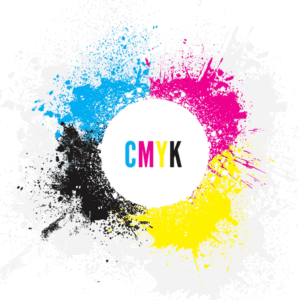
Colours displayed on screen may differ from printed colours due to the difference between RGB and CMYK colour systems.
Work in CMYK format
For print, always work in CMYK (cyan, magenta, yellow and black). This is the standard colour mode in the print industry and ensures accurate colour reproduction on paper and other materials.
5. High-resolution images and graphics
To prevent images from appearing pixelated or blurry in large-format printing, use high-resolution graphics. Ensure all visual elements have a minimum resolution of 300 dpi to maintain image quality when enlarged.
Make sure graphic elements and text complement each other and reinforce the overall message.
Correct file format
Pay attention to file formats and image sizes to avoid loading issues on printing platforms. Save images in print-ready formats such as TIFF or EPS, which preserve quality and detail for professional results.
6. Plan for visibility and scale
Designs should be scalable and effective both up close and from a distance. This includes not only text and image sizes but also the overall layout.
Test your design at different scales to ensure the message remains clear and visually effective from any angle.
7. Choose the right print material
Different materials can significantly affect the final look of your design. Consider the type of material you will use (self-adhesive vinyl, PVC banner, paper, etc.) and adapt the design to take advantage of its unique characteristics.
Consult our team of professionals for best practices and recommendations regarding the most suitable material for your project. We recommend carrying out print tests on the chosen material to verify quality and finish.
Preparing the file for printing
Before sending your file to print, make sure it is properly prepared.
- Convert fonts to outlines
Converting fonts to outlines or paths ensures that typography prints correctly, even if the printer does not have the original fonts installed.
- Include bleed and crop marks
Include bleed margins and crop marks in the file to guide the trimming process and ensure that no important information is lost.
Use white space effectively
White space, or negative space, is the area around design elements that contains no content. Used effectively, it helps focus attention on key elements and improves readability. Do not be afraid of empty areas; white space can create a balanced and professional design.
Proofing and review
Carefully review the design before final printing to avoid costly errors.
- Print proof
Request a print proof to verify colours, resolution and layout. This allows adjustments before full production.
- Final review
Review the design carefully to ensure there are no typographical errors, alignment issues or other faults that could affect the quality of the final product.
Designing for large-format printing requires special attention to detail to ensure that the message is communicated effectively and in a visually appealing way. By following these guidelines, you can create impactful designs that not only capture attention but also reinforce your brand identity and communicate your messages clearly and professionally.
At Artyplan, we are committed to helping your business achieve excellence in large-format printing projects. Contact us to learn how we can support you in bringing your ideas to life with high-quality printing solutions that stand out in any environment.