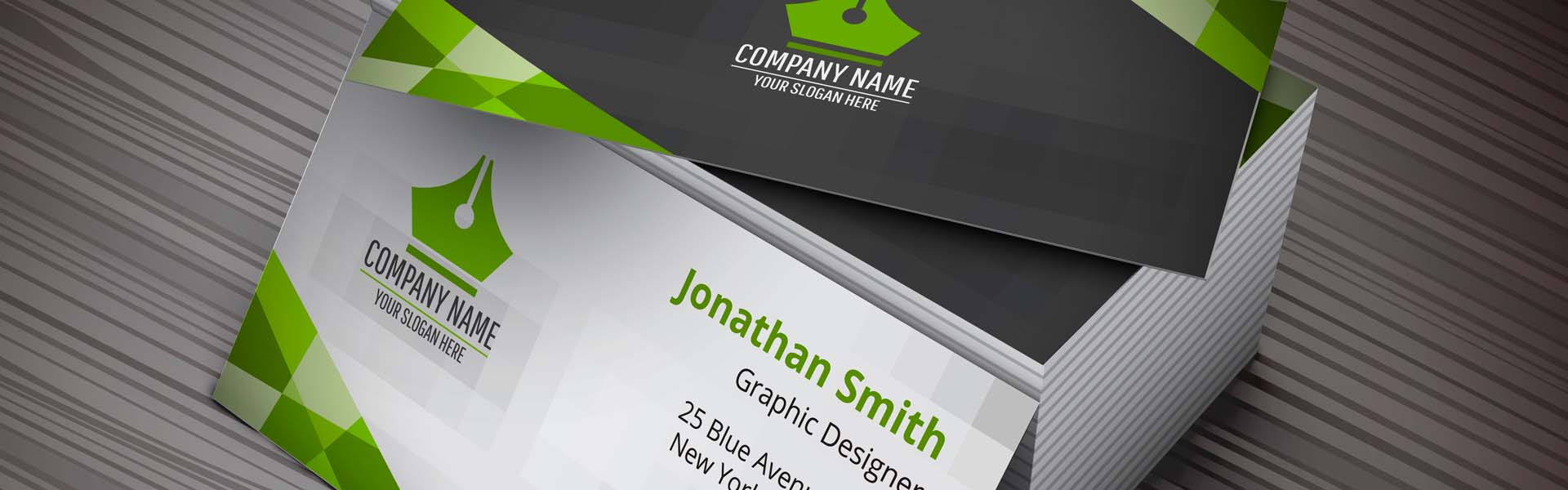
A business card is a practical document used to share your business contact details. It is distributed to companies or individuals you want to introduce your services to and establish contact with in the future. Likewise, when you attend an event where contact is generated with services and a potential client or collaborator, a business card can help initiate a possible negotiation.
Business cards remain an effective reminder, as they contain all your contact information. People will use them to remember how and where to find you, request more information, which profile to access, and how to reach your facilities.
What information should a business card include
When we talk about a personal business card, it should ideally include full name (or artistic name, if applicable), profession or service, contact phone number (specifying whether it accepts text messages or calls only), social media, and website.
For a company business card, it should include the company name, as well as the logo or brand it is directly associated with, phone number(s), location (specifying whether it is a branch or headquarters), social media, and website.
How to design a business card
When designing a business card or presentation card, many factors should be considered:
- Alignment with your company’s corporate image. This element must be fully consistent with other visual assets of your brand (website, logos, leaflets…).
- Software to use. It is recommended to use a professional layout program such as Adobe InDesign or other free alternatives.
- Size. The rectangular format is the most common (it fits easily in a wallet or pocket). Generally, the format is 85×55 mm or 75×45 mm.
- Paper type. It is advisable to use paper with a high grammage (350 gsm is standard; 450 gsm is used for thicker cards), ensuring greater durability.
- Typography. Ideally, text size should be between 7 and 8 points. To ensure readability, typography must contrast well with the background.
How business cards are printed
Once the information has been defined and all design steps completed, it is time to send the file to print. For printing, it is recommended to:
– Add 3 mm bleed.
– Maintain a 4 mm safety margin.
– Use CMYK as the colour mode.
– Minimum resolution of 300 dpi.
– Convert fonts to outlines or embed all fonts.
You can also choose different finishes depending on the function of the business card or the message you want to convey (lamination: matte or gloss, writable finishes, plastic, selective varnish).
Artyplan, your business card printer
If you have any questions, consult your project with Artyplan’s advisors so we can recommend the best option for your business cards.