Bleed in printing is a crucial concept, especially when preparing and designing documents for print. Below is an overview of what it involves and why it is important.
What Is Bleed in Printing?
In graphic arts, bleed refers to the extra area that extends beyond the final trim size of a printed page or piece. Bleed measurements vary depending on the design and finishing requirements. Typically, a margin of 2 to 3 mm is used in digital or offset printing, and up to 5 mm in large-format printing or die-cut projects.
The main reason for including bleed is to prevent unwanted white edges in the final printed product. During the cutting process, small shifts or paper movement may occur, which could result in white borders if the design or image does not extend beyond the final trim size.
Why Is Bleed Important When Designing a Document for Printing?

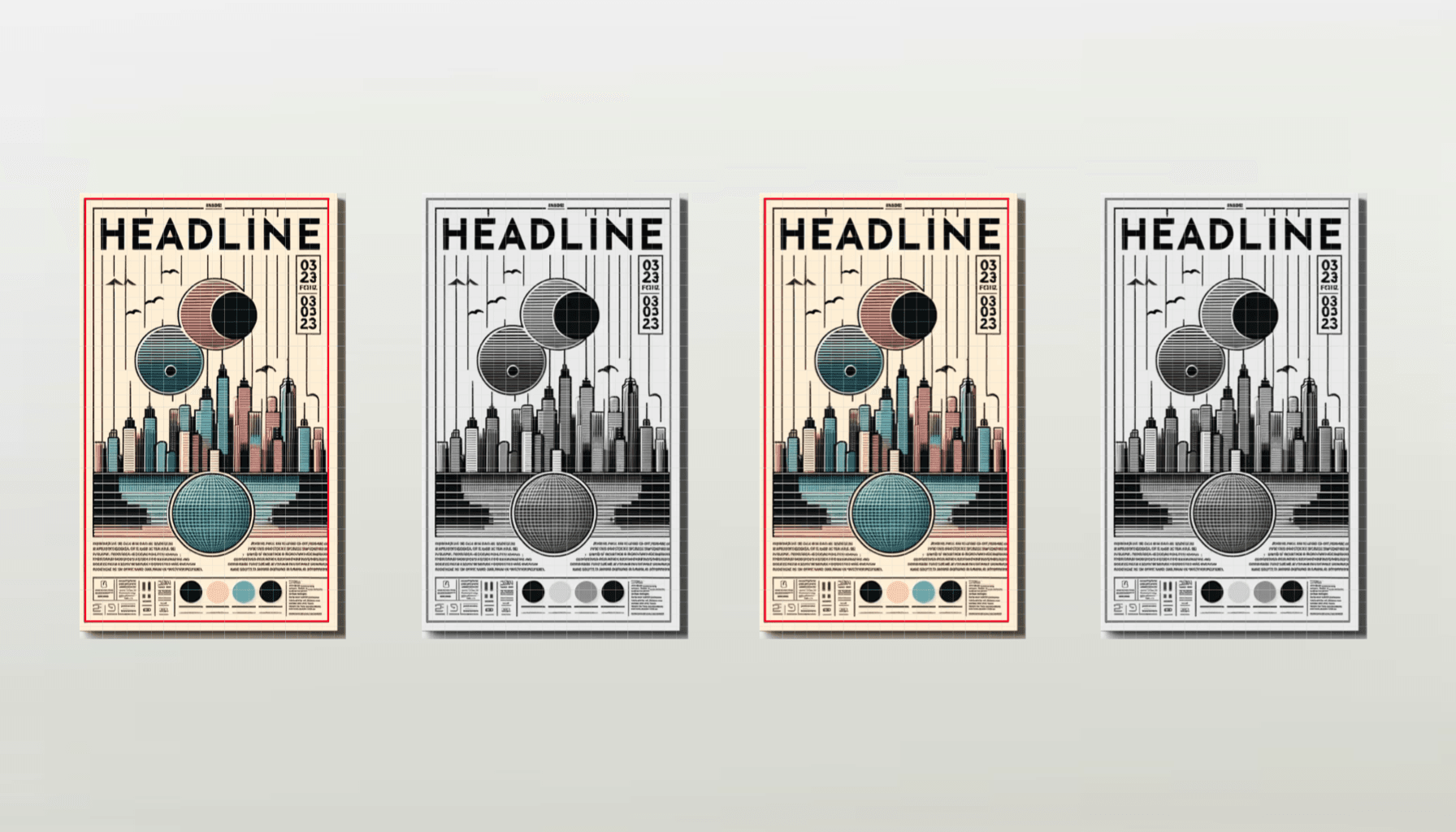
During the design process, visual elements such as backgrounds, colours and images should extend to the bleed area. This ensures that these elements reach the edge of the page once the final piece has been trimmed.
For example, if a document has a final size of A4, the designer must add the required bleed margin on each side, making the document slightly larger.
However, adding bleed is not always necessary. It depends on whether design elements reach the edges of the paper. The decision to include bleed can also depend on factors such as the precision of the printing system, the document size or whether the print is double-sided.
Variations in paper positioning during printing, influenced by factors such as paper type, temperature and humidity, can also make a bleed margin necessary.
Bleed is essential in many printed products such as posters, business cards and folders. Although technological advances have improved cutting precision, a perfectly accurate cut cannot always be guaranteed, which is why a bleed margin remains essential.
In addition to bleed, designers must also consider the safety margin. This is an internal margin within the document that prevents important elements (such as text or logos) from being placed too close to the edge, reducing the risk of them being cut during the trimming process.
Which Programs Allow You to Set Bleed for Printing?
Most graphic design software allows bleed to be configured during document creation. When exporting a document for printing, these programs also include options to add crop marks, which indicate where the printer should trim the document.
- Illustrator / InDesign:
Both programs allow you to define bleed values when creating a new document. In existing documents, bleed can be activated from the document>setup settings. In older versions of Illustrator, bleed must be added manually by increasing the document size by a few millimetres on each side. - Photoshop:
Photoshop does not include a dedicated bleed setting. Instead, the bleed must be added manually by increasing the total document size. Guides can then be used to visualise the bleed area.
In less specialised programs, bleed usually needs to be added manually.
Bleed is an essential part of the design and printing process, ensuring the quality and visual precision of the final printed product.