The document digitisation process, whether for text or image formats, converts a physical file into a digital format for conservation and preservation. This enables faster access and helps prevent potential document loss both now and in the future.
How to digitise written documents?
Over time, the volume of physical documentation accumulated by a business becomes significant. Thanks to technological evolution and digital trends, document digitisation service providers offer an effective solution. The process typically follows these steps:
- Collect all documents to be digitised, regardless of their location. This initial phase helps businesses remove irrelevant documents and free up space.
- Carry out an assessment and data preparation for the digitisation process. This includes manual tasks such as removing staples and clips, and classifying document types to avoid scanning errors.
- Proceed with document transformation. After scanning and image conversion, optical character recognition (OCR) software analyses the text by detecting light and dark areas to identify each character or digit and convert it into ASCII code.
- Once completed, data is recorded and verified within the system. Each record is validated to meet the required indexing rules and exported in the desired format (txt, mdb, xml, pdf, jpg, tiff).
You can digitise different types of text-based documents: contracts, invoices, delivery notes, orders, insurance policies, financial statements or tax documents, among others.
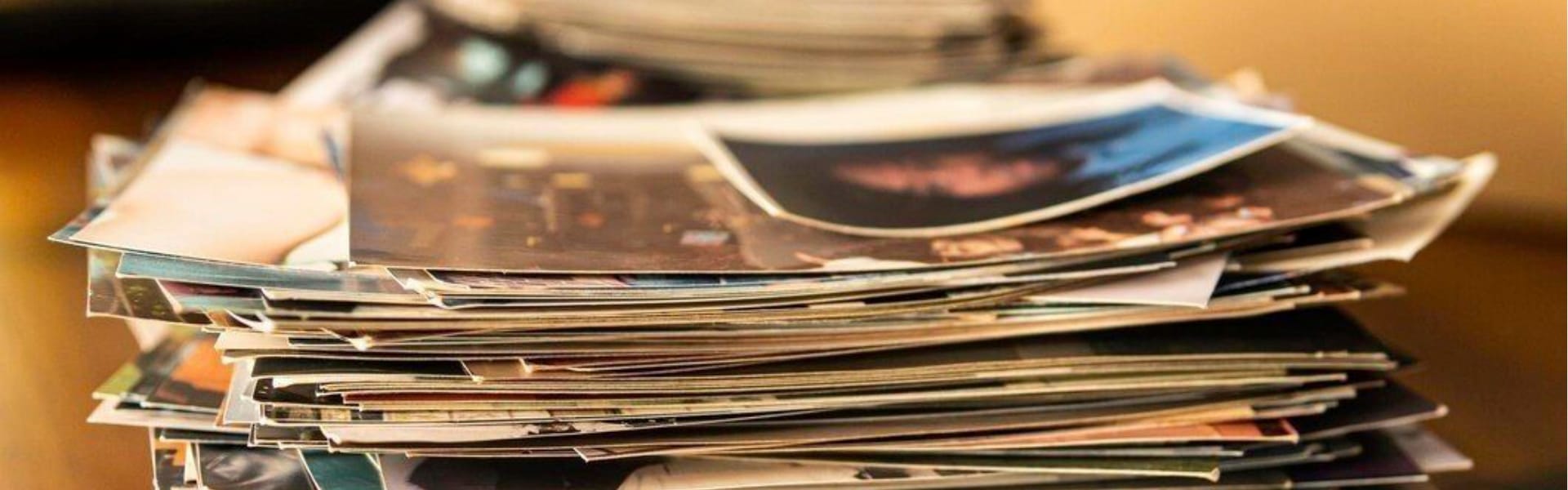
How to digitise analogue photographs?
When carrying out photo digitisation processes, it is essential to follow correct procedures, as these types of archives are often highly sensitive.
For image and photograph digitisation, specific scanners must be used. Any heat alteration can accelerate file degradation. Key steps include:
- Thoroughly assess the condition of the original photographic archive, as this will determine the digitisation method.
- Correctly position both the original and the camera before starting the process.
- Perform an exposure test and adjust it according to lighting conditions.
- Ensure that exposure remains consistent throughout the session.
- Regularly check and adjust monitor colour calibration.
Digitising images facilitates the preservation of these archives, as physical storage often requires controlled environments and specific temperatures. Additionally, once digitised, distribution and access become much easier.
Advantages of plan digitisation
 Architectural plans and designs are critical in certain sectors, making high-quality digitisation highly valuable. The main benefits include:
- Secure storage without the need for large physical spaces or specific conditions.
- Easy access at any time, without handling difficulties due to large formats.
- Prevention of physical deterioration of old plans and reduction of potential loss.
This technology enables the digitisation of both large and small plans, maps or posters with excellent clarity.
Artyplan Document as a specialist in historical document digitisation solutions
Before starting any digitisation project, our advisors analyse the type of file to determine the most appropriate solution and digitisation system.
We complement our digitisation services with mobile units that operate across the entire territory. These allow documents to be digitised on-site without being moved from their original location during the process. This ensures the preservation of archive conditions at all times.